How to Order Fried Chicken Online from Chicken Spott
When you're craving crispy fried chicken, a burger or a satisfying takeaway meal, ordering online can be a convenient way to explore your food options. Instead of deciding what to eat at the last minute, you can browse the menu, review your choices and prepare your order before checkout.
If you're in Southend-on-Sea and looking to order from Chicken Spott, this guide explains how to get started, what to look for on the menu and what to check before confirming your order.
Step 1: Visit the Chicken Spott Online Menu
The first step is to visit the official Chicken Spott online ordering page:
This is the menu URL provided for the business. Start here to explore the available takeaway choices and find the food you'd like to order.
Browsing the menu first also gives you an opportunity to compare different categories rather than choosing a meal without checking the available options.
Step 2: Explore the Available Food Categories
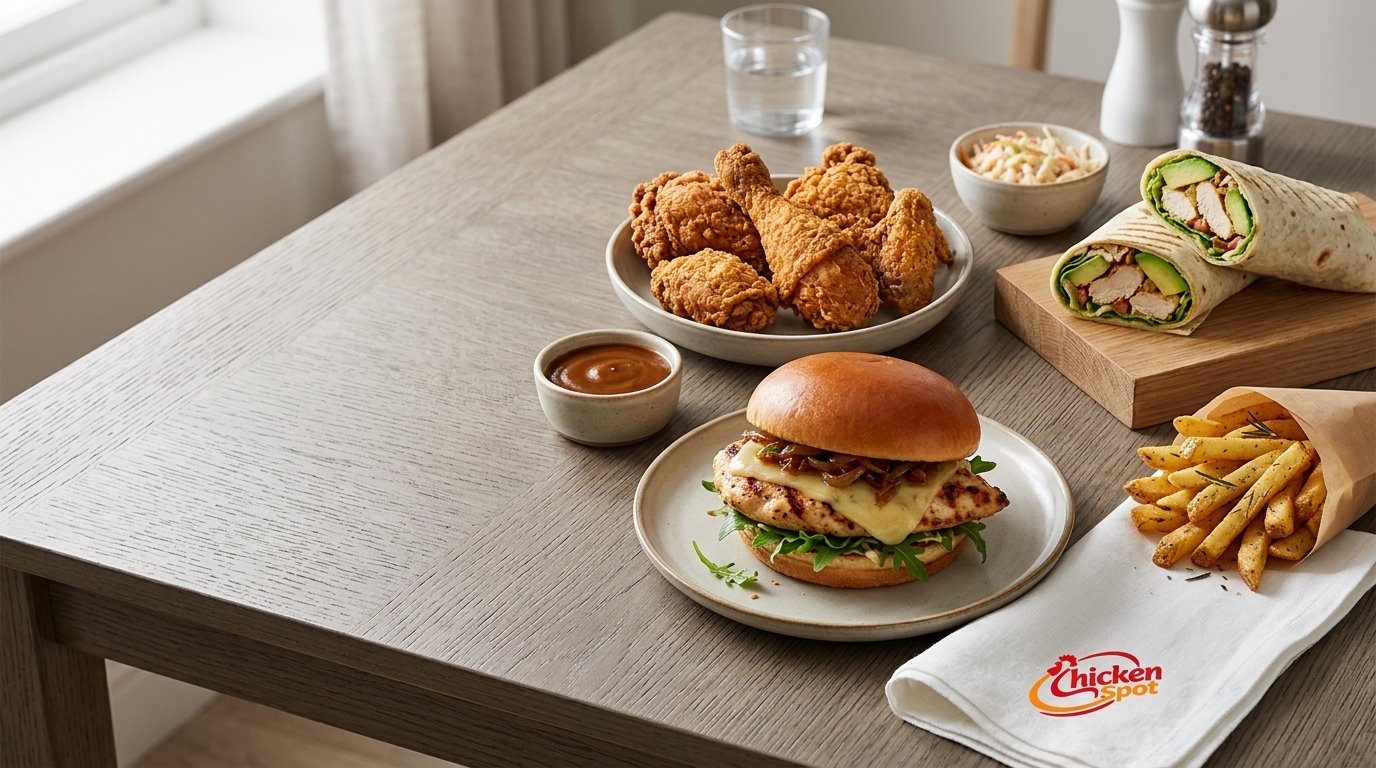
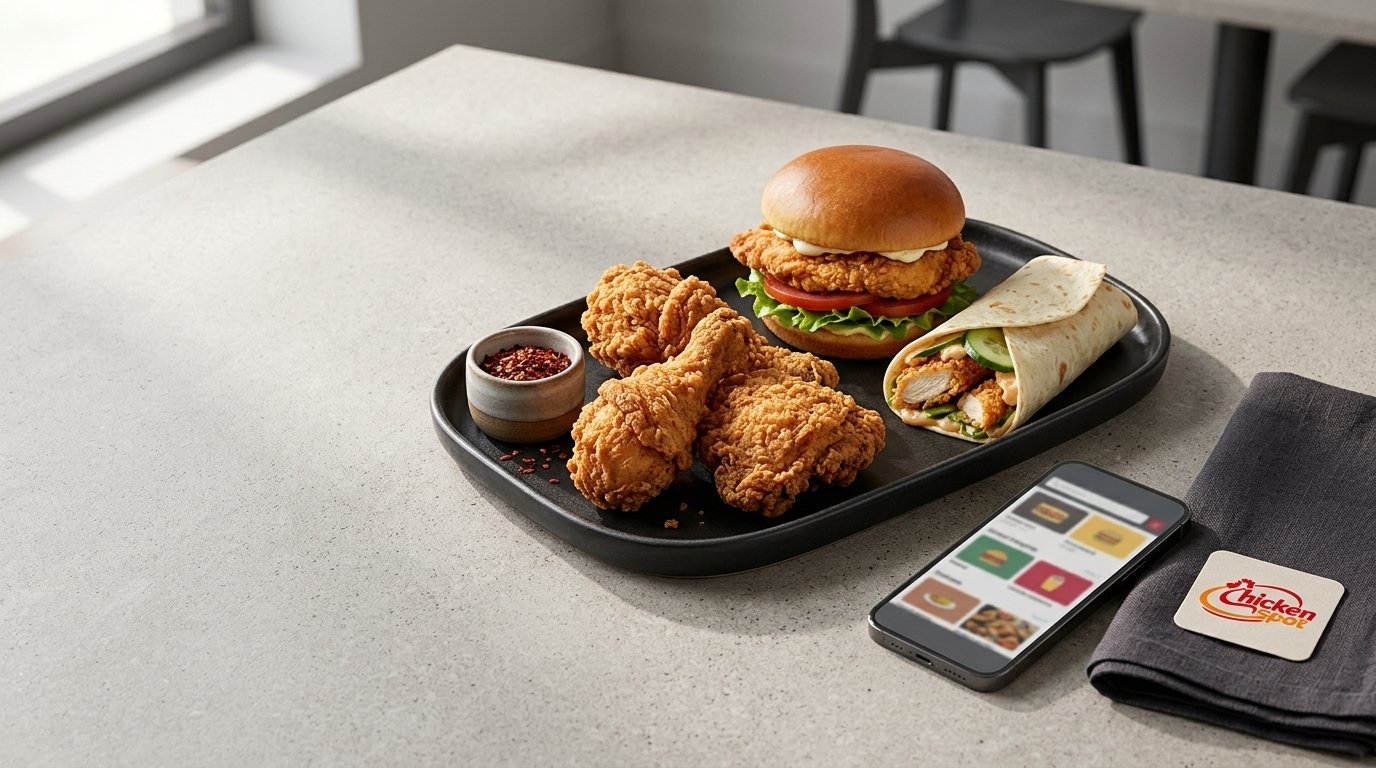
Chicken Spott offers a range of takeaway food categories, including fried chicken, burgers, wraps, kids meals, meal deals, family deals, extras and drinks.
The right choice depends on what you're in the mood for and whether you're ordering for yourself or a group.
Fried Chicken
If you're specifically looking for a chicken takeaway, begin by exploring the fried chicken options. Chicken Spott's stated offering includes fried chicken and hot & spicy chicken.
Review the individual menu descriptions to understand the available choices, portion information and prices.
Burgers and Wraps
If you prefer something other than a standard fried chicken order, burgers and wraps provide additional categories to explore.
Compare the available choices on the current menu and select the option that suits your preferences.
Meal Deals and Family Deals
Ordering for more than one person? Take a look at the available meal deals and family deals.
A suitable combination depends on the number of people eating and the items included. Check the current menu for exact contents and pricing rather than assuming every deal will meet your needs.
Kids Meals and Extras
Chicken Spott also lists kids meals, extras and drinks among its food offering.
These categories may be useful when building an order for different people. Review the available items and any relevant dietary information before making your selection.
Step 3: Choose Your Food and Review the Details
Once you've found the menu items you'd like, review the information shown on the ordering page.
Pay attention to:
- Item name: Confirm that you've selected the meal you intended to order.
- Price: Check the current displayed price.
- Quantity: Make sure the number of items matches your requirements.
- Options: Review any choices or customisation options provided on the page.
- Dietary information: If you have allergies or specific dietary requirements, confirm the relevant details with the restaurant.
The exact selection and customisation features available on Chicken Spott's website should be confirmed through the live ordering interface.
Taking a moment to review your choices can help you avoid selecting the wrong item or quantity.
Step 4: Review Your Order Before Checkout
Before submitting your order, check the items you've selected and the total displayed by the website.
If you're ordering for a family or group, review the order carefully to ensure you've included the meals and extras you need.
You should also check any applicable collection or delivery information shown during the ordering process.
Important: The available payment methods, delivery arrangements, minimum order requirements and other checkout conditions have not been verified. Follow the instructions displayed on the official website and contact Chicken Spott if you need clarification.
Step 5: Confirm the Ordering and Payment Information
The website's current checkout process will determine which information you need to provide and which payment options are available.
Follow the on-screen instructions and review the details before submitting the order.
If the website displays a delivery or collection option, select the appropriate choice based on your needs and the availability shown.
Do not assume that a particular payment method, delivery area or collection time is available without checking the current ordering page.
What Should You Consider When Ordering Fried Chicken Online?
Ordering online is straightforward when you know what to check. A few simple considerations can help you make a more informed choice.
Choose According to Your Appetite
Are you ordering a single meal, looking for a burger or planning food for a group? Start by identifying how many people you're ordering for and what type of meal they prefer.
Chicken Spott's menu includes individual food categories and deal options, allowing you to explore different choices before placing an order.
Check the Menu Before Assuming Availability
Menu items, prices and ordering conditions can change. Always use the current online menu for the most relevant information.
This is particularly important if you're looking for a specific chicken meal, a family deal or a particular extra.
Confirm Dietary Requirements
If you have a food allergy or a specific dietary requirement, check the relevant ingredient and preparation information with the restaurant before ordering.
A general menu description is not sufficient to confirm that a food item is safe for a particular allergy. Ask about ingredients and cross-contact where necessary.
Ordering Chicken Spott Takeaway in Southend-on-Sea
Chicken Spott is located at 211 London Road, Southend-on-Sea, United Kingdom, SS0 7BP.
The restaurant offers fried chicken, burgers, wraps, kids meals, meal deals, family deals, extras and drinks.
If you're searching for a chicken takeaway in Southend-on-Sea, the official online menu is the best starting point for exploring the available food choices.
Whether you're ordering a meal for yourself or considering options for a family, review the menu and the ordering information before proceeding.
For delivery coverage, opening hours and collection arrangements, check the latest information provided by Chicken Spott.
Frequently Asked Questions
Can I order fried chicken online from Chicken Spott?
Chicken Spott provides an online menu at chickenspott.com/products.php . Visit the page to explore the available food and follow the ordering options displayed.
What food can I order from Chicken Spott?
The supplied business information lists fried chicken, hot & spicy chicken, burgers, wraps, kids meals, meal deals, family deals, extras and drinks. The current menu should be checked for specific items and availability.
Where is Chicken Spott located?
Chicken Spott's supplied business address is 211 London Road, Southend-on-Sea, United Kingdom, SS0 7BP.
Can I order a family meal from Chicken Spott?
Chicken Spott lists family deals among its food offering. Visit the online menu to check the current family deal options, contents and prices.
How can I check the latest ordering information?
Visit the Chicken Spott online menu and review the information displayed during the ordering process. You can also contact the restaurant directly for clarification.
Ready to Order Fried Chicken Online?
If you're looking for fried chicken, burgers, wraps or a takeaway meal in Southend-on-Sea, Chicken Spott's online menu provides a starting point for exploring your options.
Take a moment to review the available food categories, select the items you want and check your order details before proceeding.
Explore the menu and start your order:
Order Online from Chicken Spott
Taste the Crunch, Feel the Spice!
Conclusion
Ordering fried chicken online from Chicken Spott starts with visiting the official menu and exploring the available takeaway options. From fried chicken and burgers to wraps, kids meals and family deals, there are different categories to consider depending on your preferences.
Review the menu, confirm your order details and follow the current website instructions before submitting your purchase.
If you're ready to explore the options, visit Chicken Spott's online menu to get started.